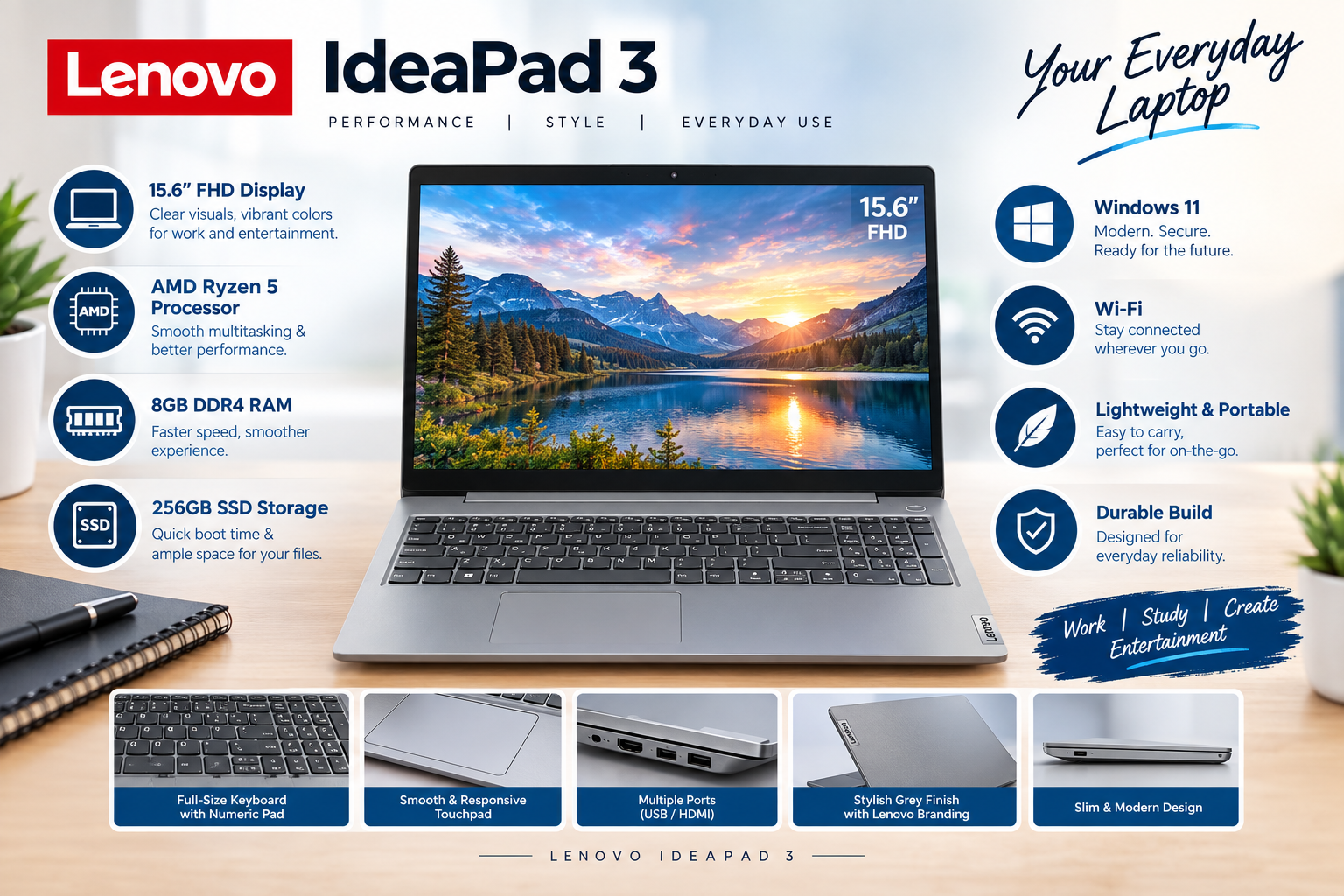
Lenovo N22 Windows Laptop Review: A Compact and Durable Budget Workhorse
Finding a dependable laptop on a tight budget can be challenging. Whether you need a secondary device for travel, a basic laptop for online classes, or a lightweight machine for simple daily tasks, the Lenovo N22 Windows Laptopis built to deliver reliability without breaking the bank.
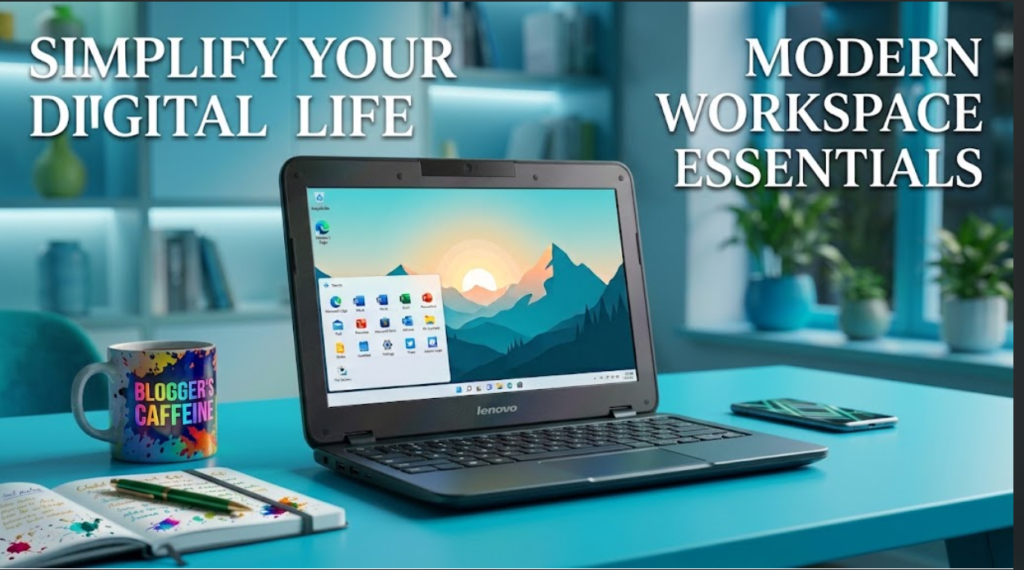
With a compact 11.6-inch form factor, reinforced construction, and energy-efficient hardware, the Lenovo N22 stands out as a practical option for students, basic office users, and field workersLenovo N22 Windows laptop.
Key Specifications at a Glance
| Feature | Specification |
| Model | Lenovo N22 |
| Operating System | Windows 10 (Light/Home Edition) |
| RAM | 4 GB |
| Storage | 16 GB eMMC (Expandable via SD Card / Cloud) |
| Display | 11.6-inch HD (1366 x 768) Anti-Glare |
| Processor | Intel Celeron Dual-Core |
| Build Quality | Drop-Resistant, Water-Resistant Keyboard |
| Weight | ~1.2 kg (Ultra-portable) |
1. Built to Last: Rugged & Compact Design
The Lenovo N22 was specifically engineered to withstand everyday wear and tear. It features reinforced ports, sealed touchpads, and a water-resistant keyboard designed to survive accidental spills.
Its 11.6-inch body fits easily into any backpack, making it an ideal companion for commuting, school, or business travel. The anti-glare display allows for comfortable viewing under direct indoor lighting or outdoors.
2. Smooth Basic Performance with 4GB RAM
Equipped with 4GB of RAM, the Lenovo N22 handles daily essentials with ease:
-
Web browsing across multiple tabs
-
Document creation in Microsoft Office or Google Docs
-
Video streaming on YouTube or Zoom calls
-
Basic POS (Point of Sale) billing management for small retail businesses
The 4GB memory capacity ensures the laptop operates smoothly without constant lagging during routine tasksLenovo N22 Windows laptop.
3. Storage & Cloud Integration
The 16GB onboard storage is optimized for the core operating system and lightweight applications. To maximize usability:
-
Expandable SD Card Slot: Add a high-speed MicroSD card to instantly expand storage for personal files and documents.
-
Cloud Storage Ready: Pair the device with Google Drive or Microsoft OneDrive for seamless storage access anywhere.
Pros and Cons
Pros:
-
Durable Build: Resists accidental drops and liquid spills.
-
Highly Portable: Lightweight design fits easily in small bags.
-
Long Battery Life: Power-efficient processor delivers hours of continuous use.
-
Budget-Friendly: Offers high practical value at a low price point.
Visit UZ Tech Top Rated Categories
Cons:
-
Limited onboard storage (requires an SD card or cloud storage setup).
-
Not designed for gaming, heavy photo editing, or resource-heavy software.
Who Is the Lenovo N22 For?
-
Students: Ideal for taking notes, submitting assignments, and online learning.
-
Small Business Owners: Great for running basic billing, inventory checking, or email management.
-
Frequent Travelers: Lightweight and tough enough to handle travel stress.
-
Secondary Home Device: Perfect for general web browsing and video streaming Lenovo N22 Windows laptop.
Frequently Asked Questions (FAQs)
Q1: Is 16GB of storage enough for a Windows laptop?
The 16GB onboard storage is designed for the core operating system and basic lightweight apps. To store personal files, photos, and documents, you can easily expand the storage using a MicroSD card or rely on cloud services like Google Drive and Microsoft OneDrive.
Q2: Can the Lenovo N22 handle gaming or video editing?
No. The Lenovo N22 is built for entry-level daily tasks like web browsing, online classes, document editing, and video streaming. It is not suitable for modern gaming or resource-heavy software like Photoshop or Premiere Pro.
Q3: Is the Lenovo N22 good for students and kids?
Yes, it is ideal for students. Its rugged design includes a spill-resistant keyboard, reinforced ports, and a drop-resistant body, making it durable enough to survive everyday school use and travel Lenovo N22 Windows laptop .
Q4: Can I upgrade the RAM or storage on the Lenovo N22?
distributional
-
RAM: The 4GB RAM is soldered onto the motherboard and cannot be upgraded.
-
Storage: While the internal eMMC storage isn’t removable, you can instantly expand total capacity by inserting a MicroSD card (up to 128GB or more) or using external USB drives.
Q5: Does the Lenovo N22 have a webcam for online classes and Zoom calls?
Yes, it features an HD webcam (often 180-degree rotatable) along with built-in speakers and a microphone, making it ready for Zoom, Google Meet, and online classes right out of the box Lenovo N22 Windows laptop .
Final Verdict
The Lenovo N22 Windows Laptop delivers essential computing features inside a sturdy, spill-resistant frame. If you need an ultra-affordable, lightweight device for simple everyday workloads, the Lenovo N22 is a smart, economical choice Lenovo N22 Windows laptop Visit UZ Tech For Better Experience.