Acer Chromebook C720 Review 2026 – Specs, Price & Buying Guide
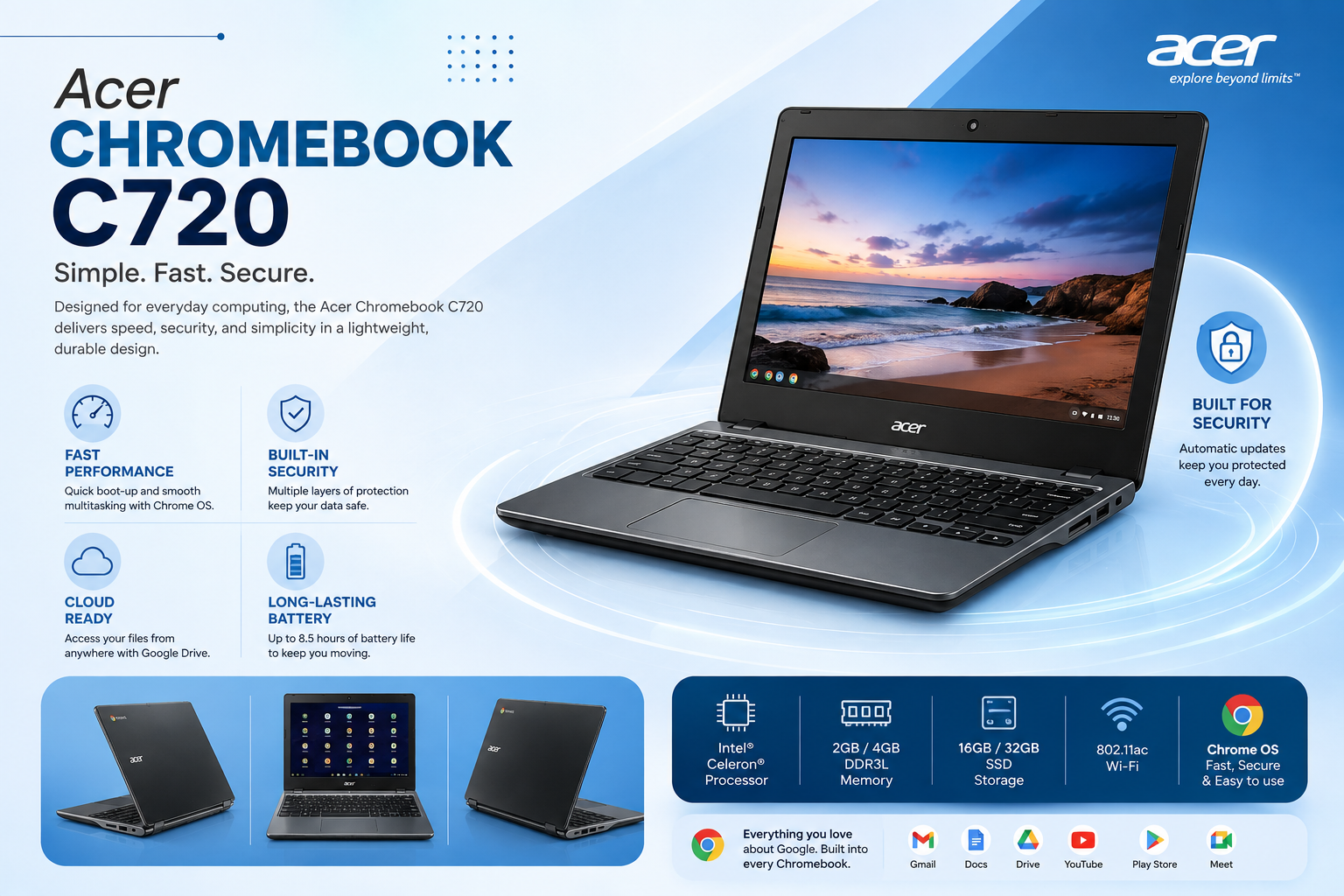
If you’re looking for a lightweight, budget-friendly, and simple laptop that’s good enough for browsing, online classes, and basic document work, the Acer Chromebook C720 could be an excellent option for you. This Chromebook has remained popular among students and beginners thanks to its fast boot speed, long battery life, and affordable price.
In this blog, we’ll take a detailed look at the Acer Chromebook C720’s full specifications, performance, pros and cons, and who it’s best suited for.
Acer Chromebook C720 – Overview
The Acer Chromebook C720 runs on which is a completely different and much lighter operating system compared to Windows. This laptop is specifically designed for people who do light tasks like internet browsing, YouTube, and online classes. Its simplicity and speed are the biggest strengths of this laptop.
<
Acer Chromebook C720
– Full Specifications
- RAM: 4GB
- Storage: 128GB SSD
- Display: 11.6″ HD Display
- Graphics: Intel HD Graphics
- Build: Lightweight and compact design
Acer Chromebook C720 Specifications
Here are the key specifications of the model discussed in this review:
- Processor: Intel Celeron 2955U
- RAM: 4GB
- Storage: 128GB SSD
- Display: 11.6-inch HD display
- Graphics: Intel HD Graphics
- Operating System: Chrome OS
- Design: Compact and lightweight
- Best For: Browsing, online classes, documents, email, and media consumption
Specifications can vary depending on the exact Acer Chromebook C720 configuration and storage variant, so buyers should verify the model before purchasing.
Performance – Is This Chromebook Right for You?
With the Intel Celeron 2955U processor and 4GB RAM, this Chromebook isn’t built for heavy tasks, but it’s great for light, everyday use, such as:
- Web browsing (Chrome browser)
- Google Docs, Sheets, and Slides
- Online classes and Zoom meetings
- YouTube and streaming
- Emails and basic typing work
Thanks to the 128GB SSD storage, boot time is very fast and the system runs smoothly overall, as long as you stay within Chrome OS’s limitations. Heavy software, gaming, or video editing isn’t possible on this laptop since Chrome OS doesn’t support Windows apps.
Acer Chromebook C720 for Students
For students on a limited budget, portability is one of the strongest advantages of the Acer Chromebook C720.
The compact 11.6-inch screen makes it easy to carry between home, school, college, or university. Students who mainly use Google Docs, online research, email, and educational websites may find the laptop sufficient for basic study work.
It can also be useful as a secondary device for writing assignments and browsing educational resources.
However, students should check software requirements before purchasing. If your course requires Windows-only applications, professional editing software, engineering tools, or advanced programming environments, this Chromebook may not be the right choice.
Design and Build Quality
The Acer Chromebook C720 has a simple, compact design focused on portability rather than premium appearance.
Its smaller body makes it easy to place inside a backpack or laptop bag. This is one reason why older compact Chromebooks can still appeal to students and users who want a lightweight device.
The keyboard provides enough space for basic typing, while the touchpad allows users to navigate Chrome OS without needing a separate mouse.
If you’re buying a used Acer Chromebook C720, pay particular attention to the hinge, keyboard, touchpad, display, and body condition.
Acer Chromebook C720 Product Price in Pakistan
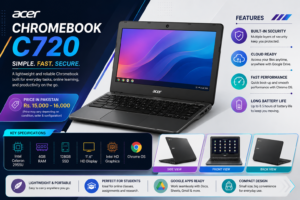
The Acer Chromebook C720 product price in Pakistan is currently around Rs. 15,000–16,000 for a 4GB RAM and 128GB SSD configuration. Prices can vary depending on condition, battery health, seller, and included accessories.
If you’re buying a used unit, check the battery, display, keyboard, charger, and overall condition before purchasing.
Who Is It Best For?
- Students who need a light laptop for online classes and assignments
- Beginners who mostly do browsing and basic typing
- People looking for a cheap and portable second laptop
- Users who rely heavily on Google apps (Docs, Gmail, Drive)
Pros & Cons
Pros:
- Fast boot and smooth Chrome OS experience
- Lightweight and portable design
- Good battery life
- Affordable price
- 128GB SSD storage
Cons:
- Windows software doesn’t run on Chrome OS
- 4GB RAM is limited for heavy multitasking
- Not suitable for gaming or editing
- Small 11.6″ display
Final Verdict
If you’re looking for a simple, lightweight, and budget Chromebook that’s just for browsing, online classes, and basic tasks, the Acer Chromebook C720 is a great and affordable choice. However, if you need heavy software or Windows apps, this laptop won’t be suitable for you.
If you need more processing power for office work or coding, you may also want to check out our review of the a business-grade alternative with a faster processor and larger SSD Visit UZ TECH For Better Experience