




Acer C910 Review 2026 – 4GB RAM, 128GB SSD, 15.6″ Full HD Laptop with Big Speakers
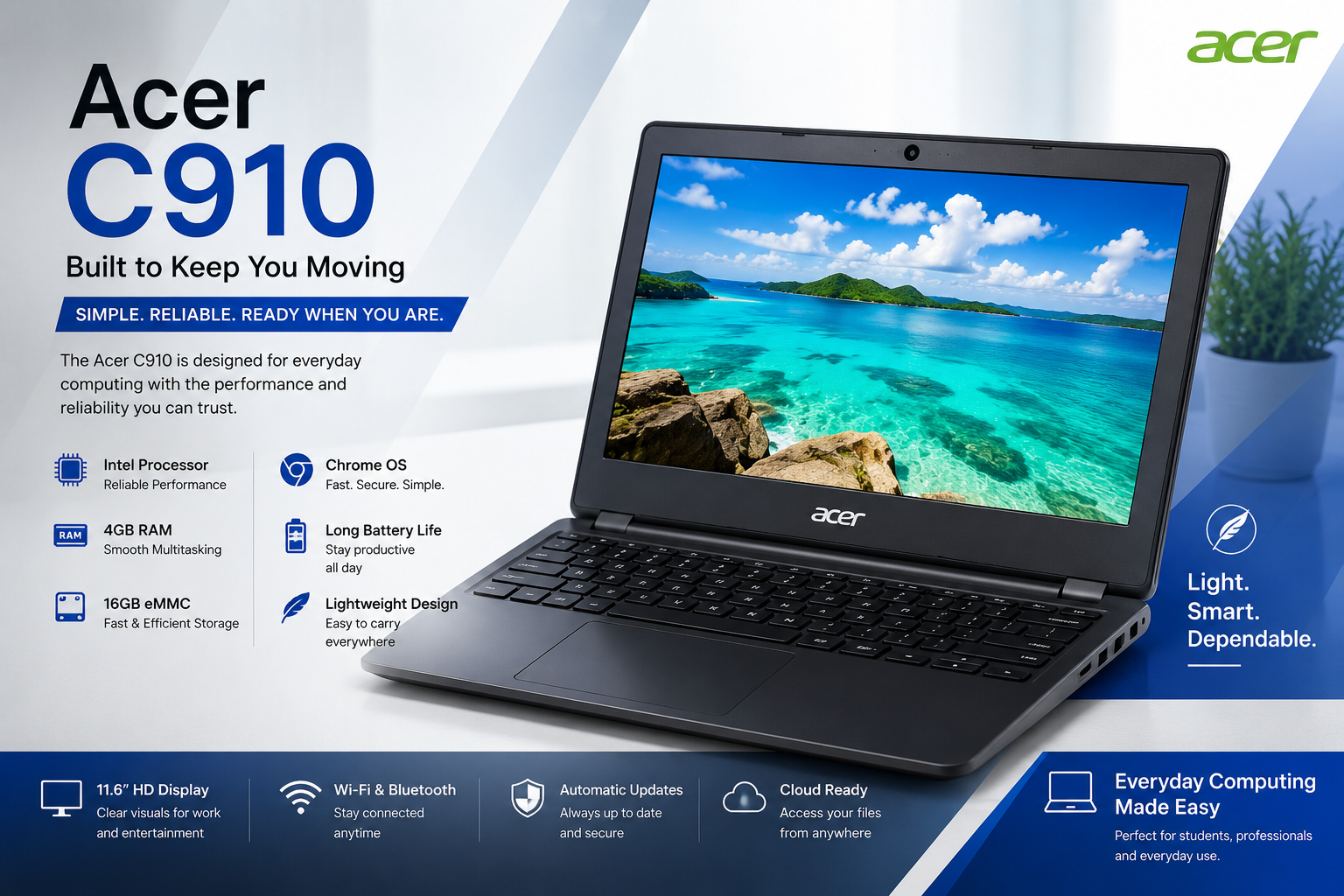
Looking for an affordable Acer C910 laptop that covers the basics without breaking the bank? The Acer C910 is built exactly for that purpose. With 4GB RAM, a 128GB SSD, a large 15.6″ Full HD display, and standout big speakers, this laptop is designed for everyday browsing, media, and light productivity — running on either Windows 10 or Windows 11.
In this review, we’ll cover the full specs, real-world performance, pros and cons, and who should consider buying the Acer C910 in 2026.
Acer C910 Key Specifications at a Glance
| Feature | Specification |
|---|---|
| RAM | 4GB |
| Storage | 128GB SSD |
| Display | 15.6″ Full HD |
| Audio | Big, enhanced speakers |
| Operating System | Windows 10 / Windows 11 |
| Use Case | Basic browsing, media, light office work |
Acer C910 Performance Overview
With 4GB RAM, the Acer C910 is best suited for light, everyday tasks — web browsing, watching videos, typing documents, and handling basic office software. It’s not built for heavy multitasking or demanding applications, but for simple day-to-day use, it gets the job done.
The 128GB SSD is the real advantage here. Compared to older hard-drive-based laptops, an SSD delivers:
- Much faster boot-up time
- Quicker file access and app opening
- A noticeably smoother overall experience versus HDD laptops in the same price range
Display & Audio Experience
The 15.6″ Full HD display offers a spacious viewing area, ideal for watching videos, browsing, and working on documents comfortably. Combined with the laptop’s big speakers, the Acer C910 stands out in its price segment for media consumption — making it a good pick for people who enjoy watching movies, YouTube, or listening to music directly from the laptop without needing external speakers.
Acer C910 Price in Pakistan 2026
The Acer C910 price in Pakistan can vary depending on the laptop’s condition, configuration, battery health, and seller. For the 4GB RAM, 128GB SSD, and 15.6-inch Full HD configuration featured in this review, the current listed price on UZ Tech is Rs. 25,000, reduced from Rs. 27,000.
At around Rs. 25,000, the Acer C910 can be an attractive option for students, home users, and buyers looking for an affordable laptop for basic everyday tasks. Its combination of a 15.6-inch Full HD display, 128GB SSD, 4GB RAM, and big speakers gives it useful features for browsing, online classes, office work, and entertainment.
Acer C910 Price Details
| Feature | Details |
|---|---|
| Laptop Model | Acer C910 |
| RAM | 4GB |
| Storage | 128GB SSD |
| Display | 15.6-inch Full HD |
| Current Price | Rs. 25,000 |
| Previous Price | Rs. 27,000 |
| Best For | Students, browsing, office work & entertainment |
Windows 10 / Windows 11 Flexibility
The Acer C910 supports both Windows 10 and Windows 11, giving buyers flexibility depending on their preference or compatibility needs. This is especially useful for users who prefer the stability of Windows 10 or want to move to the newer Windows 11 interface. You can check official system requirements on the
Microsoft Windows 11 specifications page
(Internal link tip: link this phrase to your own site’s related post, e.g. “check out our [best budget laptops guide]” — linking to another page on your own website.)
Pros and Cons
Pros:
- Affordable price point for a Full HD laptop
- 128GB SSD ensures fast, responsive performance
- Big, powerful speakers — great for media and entertainment
- Large 15.6″ Full HD screen
- Flexible OS support (Windows 10 or 11)
Cons:
- 4GB RAM limits heavy multitasking
- Not suitable for gaming or professional software
- Storage capacity (128GB) may feel limited for users with large files
Who Should Buy the Acer C910?
This laptop is ideal for:
- Students needing a laptop mainly for browsing, assignments, and streaming
- Casual home users who want a big screen and good sound for entertainment
- Budget buyers looking for an SSD-based laptop instead of a slow HDD model
- Anyone who wants a simple, no-frills laptop for basic daily computing
If you need a laptop for gaming, video editing, or heavy multitasking, you’ll want to consider a model with more RAM and a dedicated graphics card.
Final Verdict on the Acer C910
The Acer C910 with 4GB RAM, 128GB SSD, and a 15.6″ Full HD display is a solid entry-level choice for anyone who needs a budget-friendly laptop for basic tasks, browsing, and entertainment. The big speakers and Full HD screen make it especially appealing for media use, while the SSD keeps performance snappy despite the lower RAM.
For light users and students on a budget, the Acer C910 offers dependable value in 2026C910 in 2026chrome,Vist UZ TECH For Better Experience