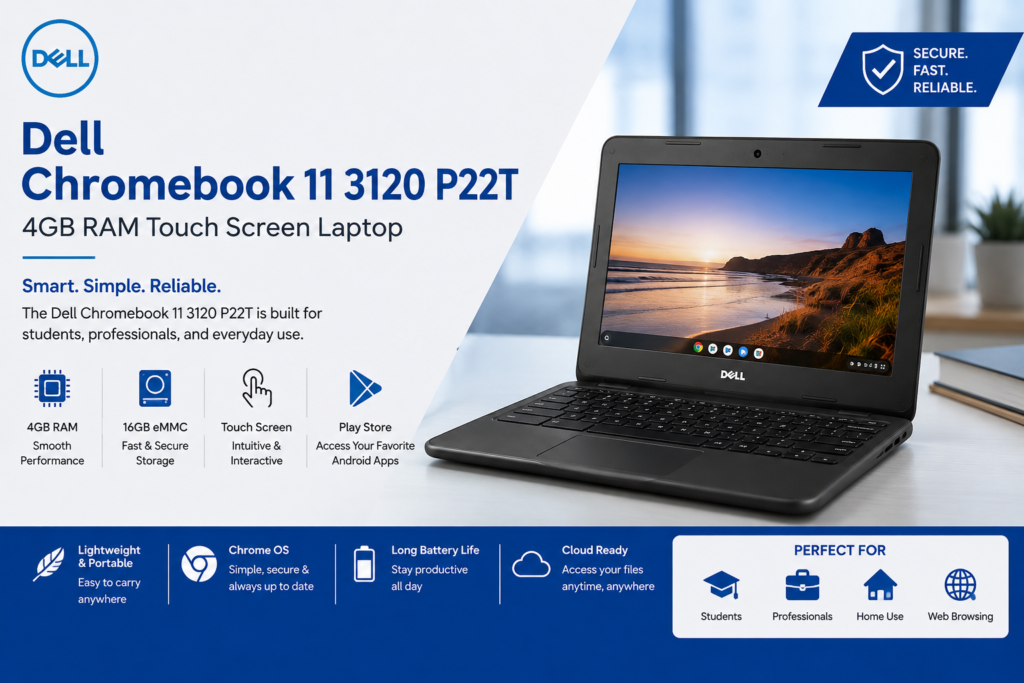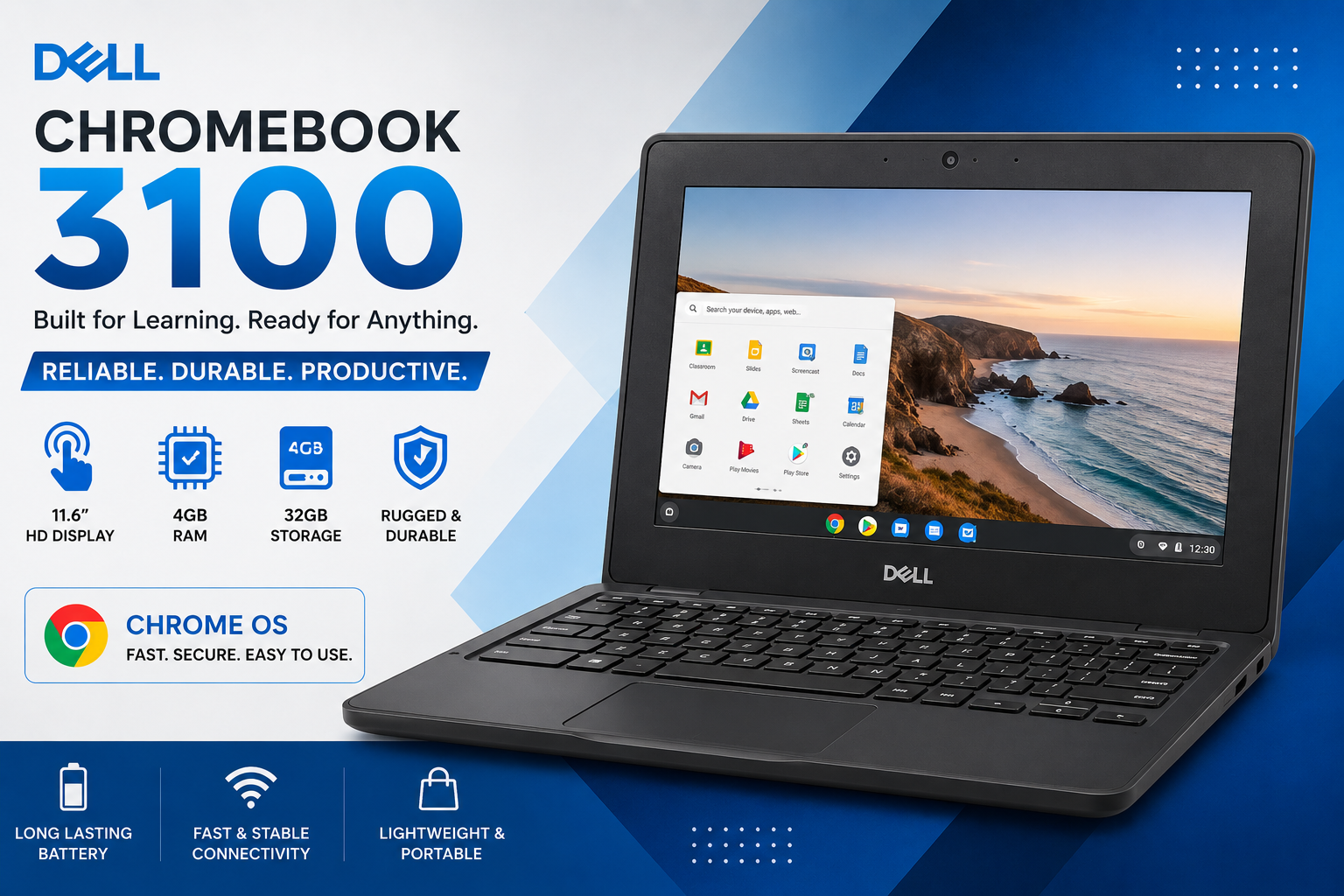
Dell Chromebook 3100: Designed for Everyday Productivity
The Dell Chromebook 3100 Intel Celeron N4020 is designed to provide a simple, fast, and convenient computing experience for everyday users. Chromebooks are especially useful for people who spend most of their time browsing the internet, working with online documents, attending virtual meetings, and using cloud-based applications.
With its compact design, 4GB RAM, and efficient processor, this device is suitable for completing daily tasks without the complexity of a traditional laptop. Chrome OS provides a clean and easy-to-use interface, making it a practical choice for students, teachers, office workers, and home users.
Whether you need to check emails, prepare assignments, create documents, attend online classes, or browse your favorite websites, the Dell Chromebook 3100 offers the essential features needed for everyday productivity.
Compact and Portable Design
One of the major advantages of the Dell Chromebook 3100 is its compact 11.6-inch design. The smaller screen size makes the Chromebook easy to carry, which can be especially useful for students and professionals who need a lightweight device for daily use.
Its portable design makes it convenient for:
- Carrying to school or college
- Using during travel
- Working from different locations
- Attending meetings
- Studying in libraries
- Completing assignments
- Working from home
A compact Chromebook can provide a practical balance between portability and everyday functionality.
Efficient 4GB RAM for Daily Multitasking
The 4GB RAM helps the Chromebook handle common tasks such as web browsing, online learning, document editing, and video streaming.
Users can comfortably work with activities such as:
- Opening multiple browser tabs
- Writing documents in Google Docs
- Creating presentations
- Managing spreadsheets
- Checking emails
- Watching educational videos
- Attending online meetings
- Using cloud-based applications
For everyday computing requirements, the combination of Intel Celeron N4020 and 4GB RAM provides an efficient and simple user experience.
32GB eMMC Storage and Cloud Computing
The Dell Chromebook 3100 comes with 32GB eMMC storage, which is suitable for storing essential files, applications, and documents.
Chromebooks are also designed to work efficiently with cloud storage services. Users can save documents, images, and important files online and access them from different devices.
This makes it easier to:
- Store important documents
- Access files from anywhere
- Back up important data
- Collaborate with others
- Share files online
- Keep documents organized
Cloud-based computing can be especially useful for students and professionals who regularly work with online files and collaborative tools.
A Great Device for Online Learning
The Dell Chromebook 3100 Intel Celeron N4020 is a practical choice for online education. Students can access educational platforms, attend virtual classes, complete assignments, and communicate with teachers using a wide range of web-based applications.
The Chromebook can be used for:
- Google Classroom
- Online lectures
- Virtual meetings
- Educational videos
- Research and web browsing
- Creating assignments
- Preparing presentations
- Group projects
- Email communication
Its lightweight design also makes it easier for students to carry between home, school, college, or university.
Useful for Teachers and Educational Institutions
Teachers can also benefit from the simple and easy-to-use Chrome OS environment. The device can be used to prepare educational material, communicate with students, manage online classes, and access cloud-based documents.
Common tasks include:
- Creating lesson plans
- Preparing presentations
- Managing educational documents
- Conducting online classes
- Checking assignments
- Communicating through email
- Sharing learning resources
The combination of portability and web-based tools makes the Chromebook useful in modern educational environments.
Smooth Web Browsing Experience
Web browsing is one of the primary uses of a Chromebook. The Dell Chromebook 3100 is suitable for browsing websites, searching for information, accessing online platforms, and using web applications.
You can use it for:
- Google Search
- Social media browsing
- Reading blogs and articles
- Online shopping
- Research work
- Email management
- Online banking through supported secure websites
- Watching videos and entertainment
Chrome OS is built around the Chrome browser, allowing users to access a large number of web-based tools and services.
Entertainment and Media Streaming
In addition to productivity and education, the Chromebook can also be used for entertainment.
Users can enjoy:
- YouTube videos
- Netflix
- Music streaming
- Podcasts
- Online movies
- Social media content
- Educational content
The 11.6-inch touchscreen display provides an interactive experience, while Bluetooth connectivity allows compatible wireless accessories to be connected.
Convenient Touchscreen Functionality
The touchscreen display adds another level of convenience to the Dell Chromebook 3100. Instead of relying only on the keyboard and touchpad, users can interact directly with the screen.
The touchscreen can be useful for:
- Scrolling through websites
- Selecting applications
- Navigating menus
- Viewing images
- Using supported Android apps
- Watching videos
- Browsing educational content
This feature can provide a more interactive experience, especially for students and users who prefer touch-based navigation.
Easy-to-Use Chrome OS
Chrome OS is designed with simplicity in mind. The operating system provides quick access to web applications, cloud storage, and Google services.
Some useful Chrome OS features include:
- Simple user interface
- Fast startup
- Automatic updates
- Built-in security features
- Google account integration
- Cloud-based storage
- Access to web applications
For users who primarily work online, Chrome OS offers a straightforward computing environment.
Google Apps for Productivity
The Chromebook works well with popular Google productivity tools. These applications allow users to create, edit, and share different types of documents.
Useful applications include:
- Google Docs
- Google Sheets
- Google Slides
- Gmail
- Google Drive
- Google Calendar
- Google Meet
- Google Classroom
These tools are particularly useful for students, teachers, freelancers, and office users.
Explore UZ TECH for Better Experience
Collaboration Made Easy
One of the benefits of cloud-based tools is the ability to collaborate with other people. Multiple users can work on documents, spreadsheets, and presentations while sharing updates online.
The Dell Chromebook 3100 can be useful for:
- Group assignments
- Team projects
- Shared documents
- Online presentations
- Remote collaboration
- File sharing
- Educational teamwork
This makes it a useful device for people who regularly work with others online.
Wireless Connectivity Options
The Chromebook includes built-in Wi-Fi and Bluetooth connectivity, allowing users to connect to wireless networks and compatible devices.
Wi-Fi can be used for:
- Internet browsing
- Online classes
- Video meetings
- Cloud storage
- Streaming content
- Downloading supported applications
Bluetooth connectivity can help connect compatible accessories such as:
- Wireless headphones
- Bluetooth speakers
- Wireless keyboards
- Bluetooth mice
These connectivity options improve the overall flexibility of the device.
Suitable for Remote Work
Dell Chromebook 3100
can also be used for basic remote work activities. Users can access email, cloud-based office tools, communication platforms, and web applications.
It is suitable for tasks such as:
- Managing emails
- Creating documents
- Joining virtual meetings
- Updating spreadsheets
- Research work
- Accessing online dashboards
- Communicating with clients or team members
For users whose work is primarily browser-based, a Chromebook can be a practical and affordable option.
Ideal for Freelancers and Beginners
Freelancers who work with web-based platforms may also find the Chromebook useful for basic daily tasks. It can be used for communication, content creation, research, and online productivity.
It may be suitable for:
- Content writing
- Virtual assistance
- Social media management
- Online research
- Email communication
- Basic document management
- Online meetings
The simple operating system can make it easier for beginners to focus on their work.
Battery Efficiency for Daily Use
Battery life is an important consideration for students and users who need a portable laptop. Chromebooks are generally designed for efficient everyday use, allowing users to work without constantly depending on a power outlet.
This can be particularly useful during:
- Classes
- Study sessions
- Travel
- Meetings
- Remote work
- Daily browsing
Actual battery performance can vary depending on screen brightness, applications, network usage, and other factors.
Advantages of the Dell Chromebook 3100
The Dell Chromebook 3100 Intel Celeron N4020 offers several useful advantages for everyday users.
Some key benefits include:
- Compact and portable design
- Responsive touchscreen functionality
- Efficient performance for daily tasks
- Easy-to-use Chrome OS
- Google Play Store support
- Built-in Wi-Fi and Bluetooth
- Access to cloud-based applications
- Suitable for online learning
- Useful for document creation
- Good option for web-based productivity
Things to Consider Before Buying
Before choosing any Chromebook, it is important to understand your computing requirements. The Dell Chromebook 3100 is designed mainly for everyday tasks and cloud-based computing.
It may be a suitable option if you need a device for:
- Browsing the internet
- Online classes
- Google applications
- Documents and spreadsheets
- Video meetings
- Streaming
- Android applications
However, users who need heavy video editing, advanced gaming, professional 3D software, or demanding desktop applications should consider a more powerful system.
Who Should Buy the Dell Chromebook 3100?
The Dell Chromebook 3100 can be a suitable choice for different types of users.
Students
Students can use it for assignments, research, online classes, presentations, and educational applications.
Teachers
Teachers can manage online classes, prepare educational materials, and communicate with students.
Home Users
Home users can browse the internet, watch videos, manage emails, and perform everyday online activities.
Professionals
Professionals who primarily use browser-based applications and cloud tools can use it for basic work tasks.
Beginners
The simple interface of Chrome OS makes it suitable for users who prefer an easy-to-understand operating system.
Final Verdict
The Dell Chromebook 3100 Intel Celeron N4020 with 4GB RAM and 32GB storage is a practical Chromebook for users who need an affordable device for everyday computing. Its 11.6-inch touchscreen, compact design, Chrome OS environment, and support for web and Android applications make it suitable for education, productivity, browsing, and entertainment.
For students, teachers, home users, and professionals who mainly rely on online tools, the Dell Chromebook 3100 can provide a convenient and easy-to-use computing experience. Its lightweight design and cloud-based functionality make it a useful option for people looking for a simple device for daily digital tasks.