




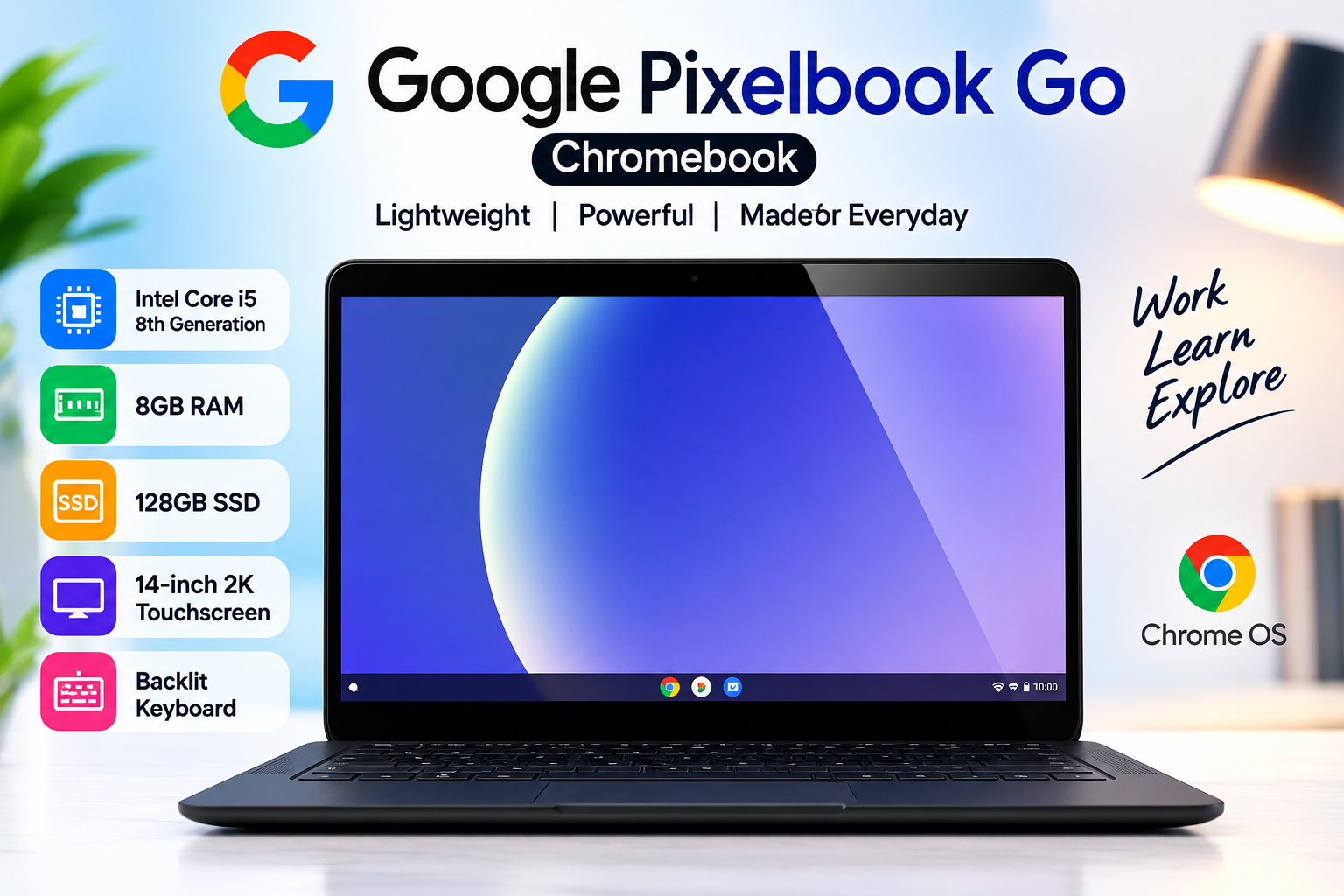
Google Pixelbook Go Chromebook Review – Core i5 8th Gen, 8GB RAM, 128GB SSD & 2K Touchscreen
The Google Pixel book Go Chromebook is a premium Chromebook designed for users who want a lightweight, stylish and responsive device for everyday computing. With an 8th Generation Intel Core i5 processor, 8GB RAM and 128GB SSD, this Chromebook offers a smooth experience for browsing, online classes, office work, streaming and productivity tasks.
One of the biggest highlights of the Google Pixel book Go Chromebook is its 14-inch 2K touchscreen display. Combined with a comfortable backlit keyboard and Google’s Chrome OS, the Pixel book Go provides a practical setup for students, professionals and users who prefer a fast and simple computing experience.
Google Pixel book Go Specifications
| Feature | Details |
|---|---|
| Product | Google Pixelbook Go Chromebook |
| Processor | Intel Core i5 8th Generation |
| RAM | 8GB |
| Storage | 128GB SSD |
| Display | 14-inch 2K Touchscreen |
| Operating System | Chrome OS |
| Keyboard | Backlit Keyboard |
| Category | Chromebook |
Performance with Core i5 8th Generation
The Google Pixelbook Go Core i5 8th Gen configuration provides strong performance for everyday Chromebook tasks. The Intel Core i5 processor can handle multiple browser tabs, documents, presentations, video streaming and web-based applications efficiently.
The 8GB RAM also helps when working with multiple applications and browser tabs at the same time. For students and professionals who regularly work online, this combination provides a responsive and convenient experience Google Pixelbook Go Chromebook.
128GB SSD Storage
Storage is another important advantage of this Pixelbook Go configuration. It comes with a 128GB SSD, which offers faster boot and application loading times compared with traditional hard drives.
The SSD also makes the Chromebook feel more responsive during everyday use. Users can store documents, presentations, downloaded files and other important data while benefiting from faster storage performance Google Pixelbook Go Chromebook.
14-Inch 2K Touchscreen Display
The 14-inch 2K touchscreen is one of the most attractive features of the Google Pixelbook Go. The higher-resolution display provides sharp text and detailed visuals, making it useful for browsing websites, watching videos, reading documents and attending online classes.
The touchscreen also gives users another way to interact withChrome OS. Instead of relying only on the keyboard and touchpad, users can interact directly with supported applications and content on the screen.
Backlit Keyboard for Comfortable Typing
The Pixelbook Go also features a backlit keyboard, making it easier to type in environments with limited lighting. This can be particularly useful for students working at night or professionals who frequently work in different environments.
The keyboard is designed with productivity in mind, making the Chromebook suitable for writing documents, emails, assignments and other everyday tasks Shop our categories.
Chrome OS Experience
Google Pixelbook Go runs on Chrome OS, Google’s lightweight operating system designed around web-based applications and cloud services. Chrome OS provides a simple interface and is particularly suitable for users who spend much of their time browsing the internet and using online applications Google Pixelbook Go Chromebook.
Users can access services such as Google Docs, Google Drive, Gmail and other web applications directly through the Chromebook.
Is Google Pixelbook Go Good for Students?
Yes, the Google Pixelbook Go Chromebook can be a good choice for students who need a portable device for everyday educational tasks. Its Core i5 processor, 8GB RAM and SSD storage provide enough performance for browsing, research, documents, presentations and online learning.
The 14-inch 2K touchscreen is also useful for reading and viewing educational content, while the backlit keyboard can make typing assignments more convenient.
Is Pixelbook Go Good for Office Work?
The Pixelbook Go is also suitable for many office and productivity tasks. Users can work with online documents, spreadsheets, emails, video meetings and cloud-based applications.
Its combination of Core i5 performance, 8GB RAM and 128GB SSD storage makes it a practical option for users who primarily work with web-based tools Visit our latest products.
Google Pixelbook Go Price in Pakistan
The Google Pixelbook Go price in Pakistan can vary depending on the device’s condition, configuration, availability and seller. Used or refurbished Pixelbook Go models may also have different prices depending on their physical condition and battery health.
Google Pixelbook Go Chromebook
Before purchasing, buyers should check the exact specifications, display condition, keyboard, battery performance and overall physical condition of the device Google Pixelbook Go Chromebook.
Final Verdict
The Google Pixelbook Go Chromebook offers a strong combination of performance, portability and display quality. With an 8th Gen Intel Core i5 processor, 8GB RAM, 128GB SSD and 14-inch 2K touchscreen, it is well suited for students, professionals and everyday users.
The backlit keyboard and Chrome OS further improve the overall user experience. If you are looking for a premium Chromebook for browsing, online learning, office work and general productivity, the Google Pixelbook Go is worth considering. Visit UZ Tech For Better Experience