




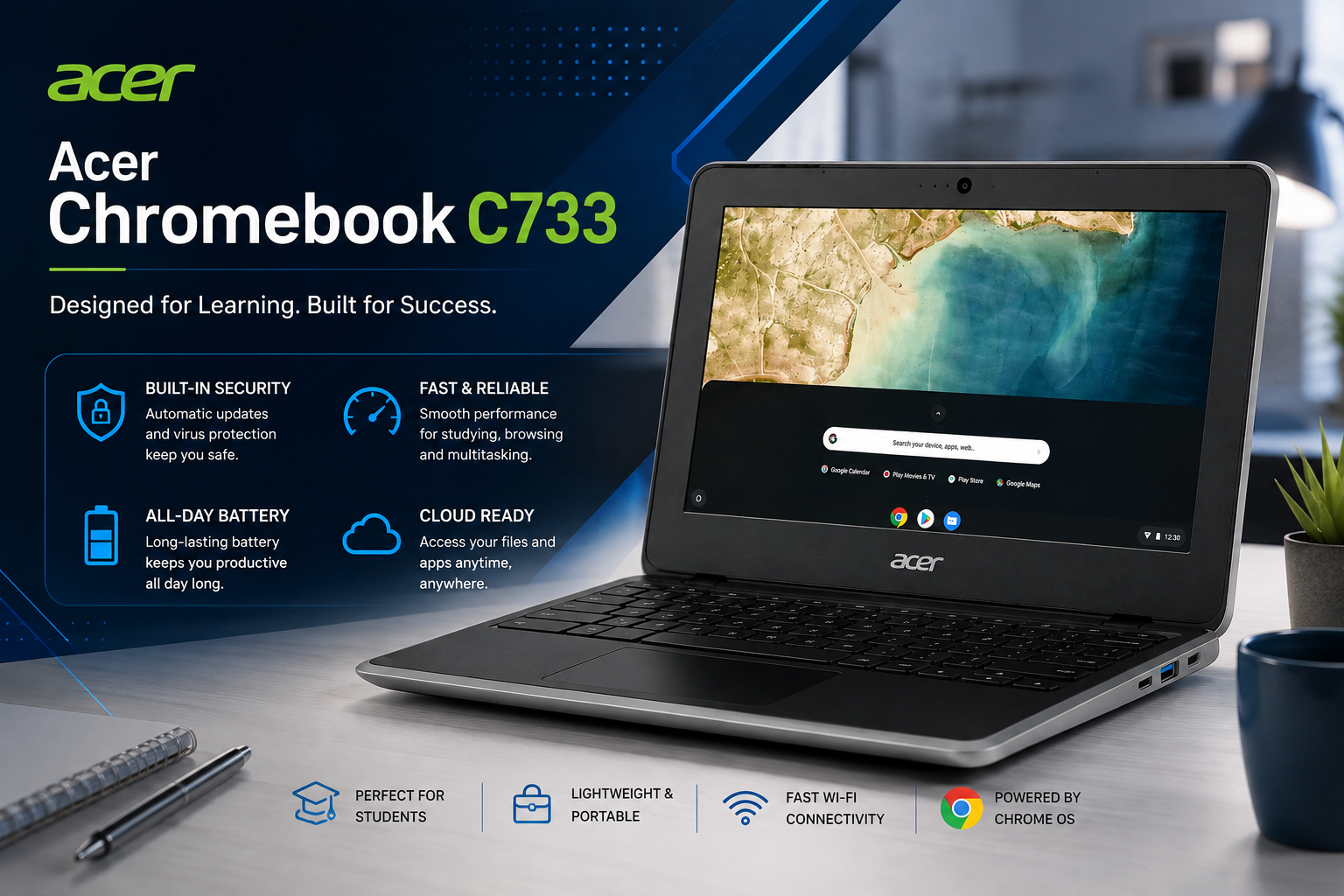
Acer Chromebook C733: Best Budget Student Laptop Review
Finding an affordable, durable, and fast laptop for daily schoolwork or online browsing can be a challenge. However, the Acer Chromebook C733 solves this problem by offering highly reliable performance at an incredibly budget-friendly price point. Running on Google’s lightweight Chrome OS, this machine is custom-built to handle online classes, document editing, and daily media streaming without breaking a sweat. In this article, we will break down the fullAcer Chromebook C733 specifications and explore why it is a top choice for students and budget-conscious buyers.
Technical Specifications Table
| Feature | Specification Details |
| Brand & Model | Acer Chromebook C733 |
| Operating System | Google Chrome OS |
| Memory (RAM) | 4GB LPDDR4 RAM |
| Storage Capacity | 32GB eMMC High-Speed Storage |
| Display Size | 12-Inch Compact HD Display |
| Charging Port | Modern USB Type-C Charging |
| Software Support | Long-Term Updates from Google |
| Primary Use Cases | Online classes, Google Docs, web browsing, YouTube, and schoolwork |
Performance and Lightweight Chrome OS Optimization
When analyzing the core performance of the Acer Chromebook C733, efficiency is the main highlight. Equipped with 4GB RAM, this laptop handles multitasking beautifully. Because Chrome OS does not require massive hardware resources like Windows does, 4GB of RAM on a Chromebook feels incredibly snappy. You can comfortably open multiple Google Chrome tabs, write assignments, and stream music at the same time.
For file management, it comes with 32GB storage. While 32GB might sound modest, Chrome OS heavily relies on secure cloud storage like Google Drive. This design keeps your local system safe from slow-downs, ensuring that your laptop remains just as fast after two years of usage as it was on day one. Furthermore, Google provides long-term updates directly to this device, meaning your security patches and software features will stay completely up to date for a very long time.
Compact 12-Inch Display and Rugged Build Quality
The physical design of the Acer Chromebook C733 makes it perfect for users who are always on the move. Featuring a unique 12-inch display, it hits the absolute sweet spot between portability and usability. The screen provides enough room to read web pages and watch videos comfortably, yet the overall footprint remains compact enough to easily slip into any school backpack.
Acer has also reinforced the chassis of this business-and-education series device. It boasts a rugged, spill-resistant keyboard and impact-resistant bumpers, allowing it to withstand accidental drops or rough handling by younger students.
Modern USB-C Charging and Battery Life
Say goodbye to carrying bulky, old-school laptop bricks. The Acer Chromebook C733 specifications include a modern USB-C charging port. This means you can power up your laptop using the same Type-C cable you use for modern smartphones. It also allows for rapid data transfer and external display connections through a single port. Combined with the energy-efficient processor, the battery easily powers through a full school day on a single charge, giving you true wireless freedom.
Pros and Cons Analysis
On the positive side, you get an incredibly affordable price tag, military-grade rugged durability, long-term software updates from Google, and modern USB-C charging speeds. The lightweight Chrome OS ensures the system never catches viruses or slows down over time.
However, on the negative side, the 32GB local storage is not meant for heavy local file downloading, and Chrome OS does not natively support heavy desktop gaming or professional video editing software like Adobe Premiere Pro.
💬 Real Customer Reviews & Feedback
⭐⭐⭐⭐⭐ Mark T. (High School Student)
“I needed something cheap for my Google Classroom assignments, and this Acer Chromebook C733 is amazing. It boots up instantly the second I open the lid. The 12-inch display is perfect for my desk, and the battery easily lasts me 8 hours of continuous use.”
⭐⭐⭐⭐☆ Emily R. (Parent of a Middle Schooler)
“I bought this for my son’s online classes. The build quality is very solid—he has dropped it once already, and it didn’t even scratch. The USB-C charging is very convenient since we share chargers at home. My only complaint is that you can’t install standard Windows apps, but everything for school runs fine through the browser anyway.”
Final Verdict
In conclusion, the Acer Chromebook C733 is a phenomenal value-for-money machine. By focusing on essential features like 4GB RAM, modern USB-C charging, and guaranteed long-term updates, Acer has created a highly dependable workhorse. If your daily workflow revolves around web browsing, streaming, and typing documents, this 12-inch Chromebook is one of the smartest budget investments you can make